The TP-Link Archer AXE75 combines tri-band Wi-Fi 6E with a 6 GHz band, VPN support, and OneMesh compatibility. This tp link axe5400 review looks at how those features fit homes balancing gaming, streaming, and multiple connected devices.
Archer AXE75 Review Summary
The quick verdict
5,000+ ratings
Read Amazon ReviewsTP-Link Archer AXE75
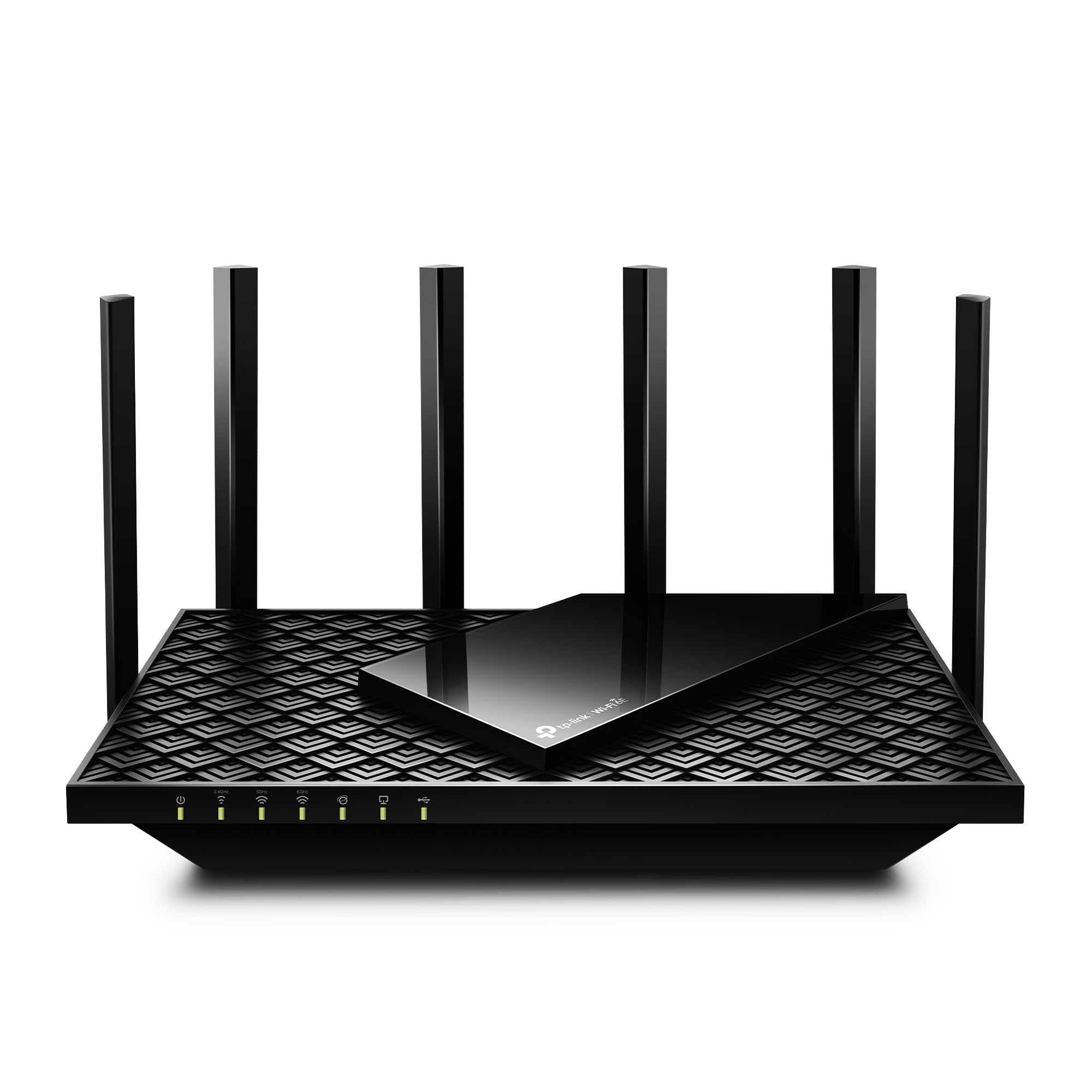
A practical fit for homes seeking tri-band Wi-Fi 6E, a dedicated 6 GHz band, and VPN options for gaming, streaming, and everyday device traffic.
- Tri-band Wi-Fi 6E with maximum listed rates of 2,402 Mbps on 6 GHz, 2,402 Mbps on 5 GHz, and 574 Mbps on 2.4 GHz.
- A 6 GHz band intended to provide more bandwidth for compatible Wi-Fi 6E devices.
- OFDMA technology and tri-band operation designed to increase capacity for simultaneous device transmissions.
- A 2.5 Gbps WAN port for connection to a suitable modem or internet service setup.

Pros
- Three bands offer more connection options than a dual-band design, including 6 GHz for compatible devices.
- The listed 2.5 Gbps WAN port provides headroom for a suitable multi-gig internet connection.
Consider before buying
- The 6 GHz band is useful only for devices that support Wi-Fi 6E, so it may have limited value in homes with older client devices.
- The stated combined Wi-Fi speed is a theoretical maximum across bands; actual results depend on devices, distance, walls, and network conditions.
Read the full review summary
The Archer AXE75 is built around three Wi-Fi bands: up to 2,402 Mbps on both 6 GHz and 5 GHz, plus up to 574 Mbps on 2.4 GHz.
Its Wi-Fi 6E support gives compatible devices access to the 6 GHz band, while OFDMA is intended to help the router handle simultaneous transmissions across a busy home network.
It may suit households with newer Wi-Fi 6E devices, several active users, or a preference for VPN client and server options.
Buyers should check which of their devices can use 6 GHz and confirm their internet plan and modem setup; the router’s combined wireless speed figure does not guarantee a particular connection speed in a real home.
The buying factors
Archer AXE75 Scorecard
Editorial scores reflect listed features and buyer fit; they are not laboratory measurements or customer ratings.
Tri-band flexibility
Three bands, including 6 GHz, provide useful options for compatible newer devices and older Wi-Fi connections.
Capacity features
OFDMA and tri-band operation are designed to support simultaneous transmissions across multiple devices.
VPN options
Both VPN client and server support are listed, with OpenVPN, PPTP, and L2TP mentioned.
Mesh expansion
OneMesh support offers an expansion route when paired with a compatible TP-Link OneMesh extender.
Network management
HomeShield includes basic security, parental control, QoS, and network reporting features.
Wired flexibility
A 2.5 Gbps WAN port can accommodate a faster incoming connection, while the supplied description does not detail the full LAN port layout.
Key Features and Specifications of Archer AXE75
- Tri-band Wi-Fi 6E with maximum listed rates of 2,402 Mbps on 6 GHz, 2,402 Mbps on 5 GHz, and 574 Mbps on 2.4 GHz.
- A 6 GHz band intended to provide more bandwidth for compatible Wi-Fi 6E devices.
- OFDMA technology and tri-band operation designed to increase capacity for simultaneous device transmissions.
- A 2.5 Gbps WAN port for connection to a suitable modem or internet service setup.
- A 1.0 GHz dual-core CPU and 512 MB of high-speed memory.
- VPN client and server support with OpenVPN, PPTP, and L2TP options.
- OneMesh support for pairing with a TP-Link OneMesh extender; HomeShield lists basic network security, parental controls, QoS, and weekly or monthly reports.
Pros and Cons of Archer AXE75
Pros
- Three bands offer more connection options than a dual-band design, including 6 GHz for compatible devices.
- The listed 2.5 Gbps WAN port provides headroom for a suitable multi-gig internet connection.
- VPN client and server functionality is useful for buyers who want VPN options at the router level.
- OneMesh compatibility provides a way to extend coverage with a matching extender.
Consider before buying
- The 6 GHz band is useful only for devices that support Wi-Fi 6E, so it may have limited value in homes with older client devices.
- The stated combined Wi-Fi speed is a theoretical maximum across bands; actual results depend on devices, distance, walls, and network conditions.
- A modem is required for most internet providers, so buyers replacing an all-in-one gateway should account for that separate equipment.
Who Should Buy Archer AXE75?
Good fit
Consider the Archer AXE75 if you have Wi-Fi 6E devices and want a tri-band router that can reserve 6 GHz connectivity for compatible clients while keeping 5 GHz and 2.4 GHz available for other devices.
This arrangement can be appealing in a home where gaming, video calls, and streaming happen at the same time, though the router’s maximum rates are not promises of specific room-by-room performance.
It is also a reasonable match if you want VPN client or server functions built into the router, or expect to extend coverage later with a compatible OneMesh extender.
Before choosing it, check your current modem, internet plan, and the Wi-Fi capabilities of the devices that matter most; these determine how much of the AXE75’s feature set you can use.
Who should skip it
Look elsewhere if your priority is a router centered on Wi-Fi 7 features, or if your devices cannot make use of Wi-Fi 6E and you do not need the AXE75’s VPN and tri-band options.
If you need wider coverage, first assess the layout and construction of your home and whether a compatible extender would be part of the plan.
The product description does not provide a specific coverage-area figure to use for sizing.
What the Archer AXE75’s Wi-Fi 6E design means for your home
The 6 GHz band depends on your devices
The AXE75’s 6 GHz band is the central reason to consider this model over a simpler dual-band setup.
It gives compatible Wi-Fi 6E clients another band to use, while 5 GHz and 2.4 GHz remain available for other devices.
Check the specifications of your laptops, phones, consoles, and other high-use clients before paying extra for a capability they may not support.
Tri-band helps organize traffic, not guarantee speed
TP-Link lists maximum rates of up to 2,402 Mbps on each of the 6 GHz and 5 GHz bands and up to 574 Mbps on 2.4 GHz.
Those figures describe the router’s wireless classes, not a single speed available to one device. The client’s Wi-Fi support, the internet connection, distance, interference, and walls all affect the result.
Consider wired needs alongside wireless features
The 2.5 Gbps WAN port is relevant if your modem and internet service can provide more than a gigabit connection.
It does not by itself establish how many faster wired connections are available to local devices, so check the port layout against your wired setup if you connect a desktop, storage device, or console by Ethernet.
VPN, HomeShield, and expansion are practical extras
VPN client and server support can centralize some VPN tasks, while HomeShield’s listed basic features include security scanning, IoT device identification, parental controls, QoS, and periodic reports.
OneMesh adds a possible path to broader coverage through a compatible extender. Confirm that these functions match your preferred setup and management needs before making them the deciding factors.
Alternatives to Archer AXE75
Computer Routers alternative
1,000+ ratings
Read Amazon ReviewsTP-Link Archer BE230
Choose the AXE75 if access to a 6 GHz band is a priority for your Wi-Fi 6E devices.
Consider the BE230 if Wi-Fi 7 and its specified multi-gig wired ports better match your devices and network, and you do not need 6 GHz.
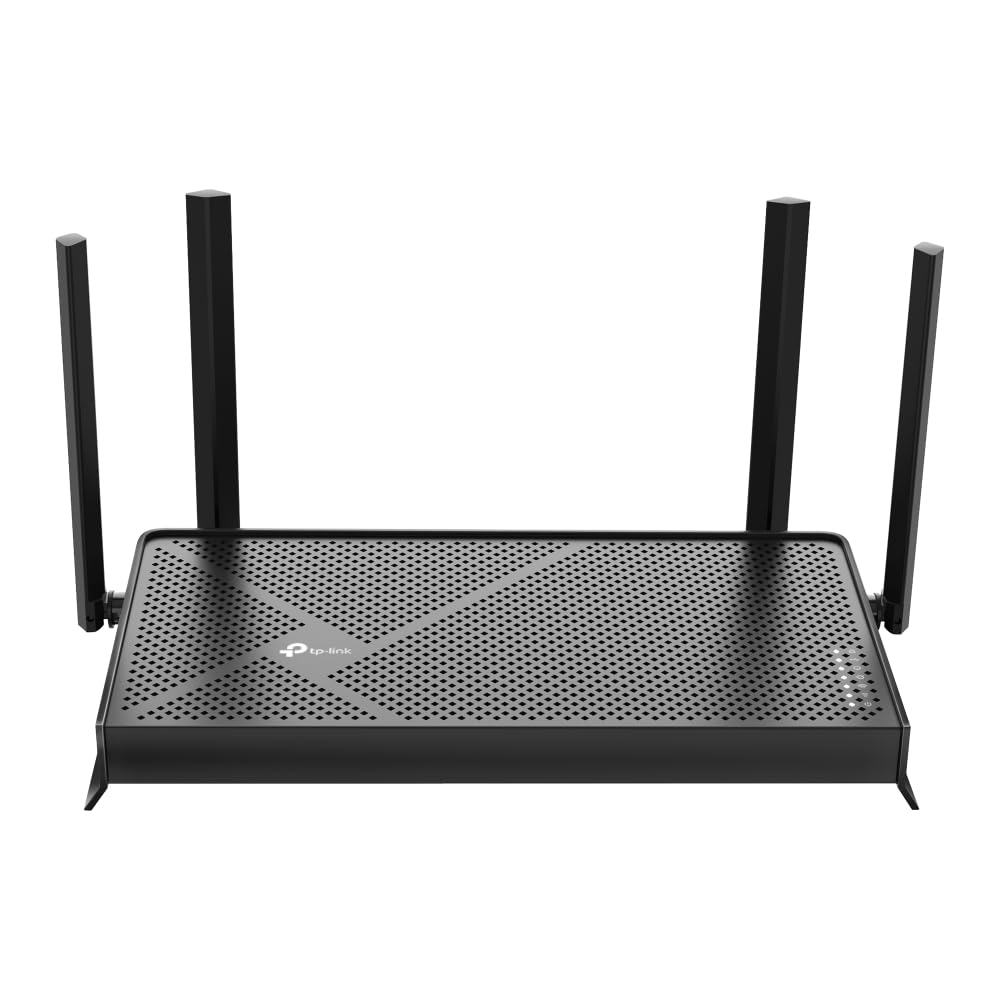
- The Archer BE230 is a dual-band Wi-Fi 7 router with one 2.5 Gbps WAN/LAN port, one 2.5 Gbps LAN port, and three 1 Gbps LAN ports.
- It supports EasyMesh and lists VPN, HomeShield, and MLO features; it does not support 6 GHz.
- The Archer AXE75 has tri-band Wi-Fi 6E, including 6 GHz, and lists VPN client and server support.
Computer Routers alternative
600+ ratings
Read Amazon ReviewsTP-Link Archer BE600
The AXE75 is the more straightforward fit if Wi-Fi 6E and its listed features meet your needs. Consider the BE600 if you specifically want Wi-Fi 7, substantially faster multi-gig wired connectivity, or its stated coverage and device capacity.
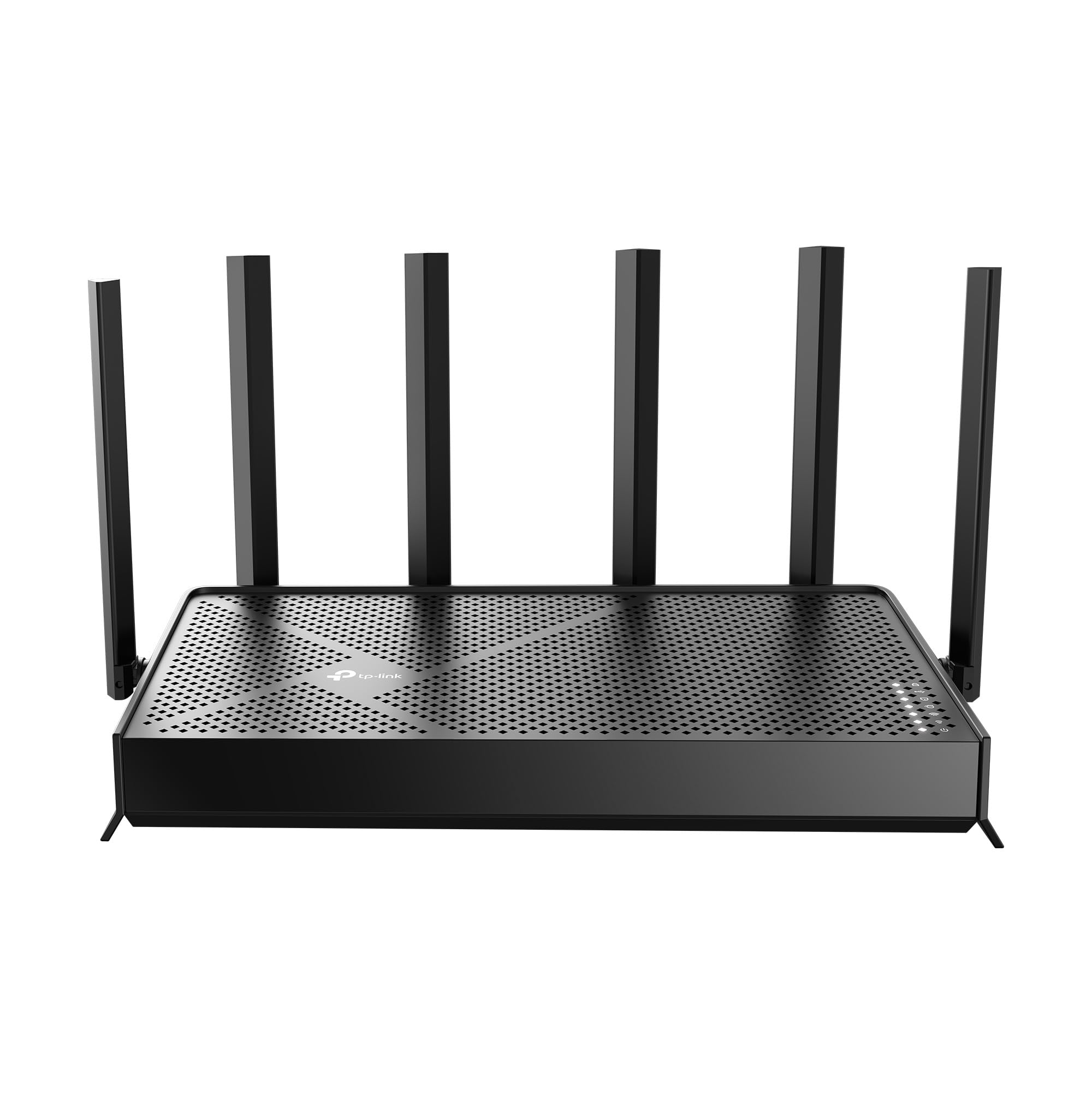
- The Archer BE600 is a tri-band Wi-Fi 7 model with a 10 Gbps WAN/LAN port, a 2.5 Gbps WAN/LAN port, three 2.5 Gbps LAN ports, and a listed maximum of up to 5,765 Mbps on 6 GHz.
- Its description gives coverage up to 2,600 square feet and support for up to 120 devices.
- The Archer AXE75 offers Wi-Fi 6E tri-band operation and a 2.5 Gbps WAN port, with maximum listed wireless rates of up to 2,402 Mbps on 6 GHz and 5 GHz.
Is Archer AXE75 Worth It?
The TP-Link Archer AXE75 is worth considering for a busy home that can use Wi-Fi 6E and wants tri-band connectivity, router-level VPN options, and a potential OneMesh expansion path.
Its strongest case is the combination of a 6 GHz band with familiar 5 GHz and 2.4 GHz service.
Buy it after checking your client devices, modem, and wired port needs.
If few of your devices support 6 GHz, much of its distinctive appeal may go unused; if they do, the AXE75 presents a capable feature mix without relying on a particular speed outcome.
Your review at a glance
5,000+ ratings
Read Amazon ReviewsTP-Link Archer AXE75
A practical fit for homes seeking tri-band Wi-Fi 6E, a dedicated 6 GHz band, and VPN options for gaming, streaming, and everyday device traffic.
- Tri-band Wi-Fi 6E with maximum listed rates of 2,402 Mbps on 6 GHz, 2,402 Mbps on 5 GHz, and 574 Mbps on 2.4 GHz.
- A 6 GHz band intended to provide more bandwidth for compatible Wi-Fi 6E devices.
- OFDMA technology and tri-band operation designed to increase capacity for simultaneous device transmissions.
- A 2.5 Gbps WAN port for connection to a suitable modem or internet service setup.